Archive for David Harlan

How to Dispose of Small Refrigerator?

More than 9 million household appliances are thrown away in the U.S. every year, and a lot of them are small equipment like dorm fridges, workplace coolers, and mini refrigerators. But here’s something a lot of folks don’t know: getting rid of a tiny fridge is not the same as throwing away a microwave or a typical piece of trash. Even the smallest micro fridge has metals, insulation foam, and refrigerants that need to be handled in a certain way. You can’t just throw one in the trash or drag it to the curb. If you’re searching for how to dispose of small refrigerator, or want to know how to get rid of a mini fridge safely, legally, and without getting fined you’re in the right place. Prep Steps Before Disposal (Do These First) Before you decide how to dispose of mini fridge or where to take it, you need to prep the appliance. Proper preparation prevents leaks, mold, and mess and in some states, it’s legally required. Step 1: Unplug and Defrost Unplug the unit at least 12 to 24 hours before moving it. This allows ice in the freezer compartment to melt naturally. Place a towel underneath to catch dripping water. Step 2: Clean and Sanitize Remove all shelves and drawers. Wash with warm water and soap. This step is crucial if you plan to: Donate Sell Recycle A clean appliance has a much better chance of being accepted. Step 3: Remove or Tape the Door For safety especially for curbside pickups you must tape the door shut or remove it completely. Loose refrigerator doors are a major hazard for children and pets. Step 4: Inspect Power Cord and Exterior Damage Take note of: Loose wires Cracked plastic Rust Dents Mold smell These details help you determine if the unit is salvageable or if recycling is your only option. Test if the Mini Fridge is Still Working Not every small fridge is ready for the scrap heap test it first to see if it deserves a second life. Plug it back into a working outlet and let it run for 30-60 minutes. Listen for the low hum of the fan, check if it cools properly, and see if lights flicker on without issues. Watch for red flags like leaks, funky odors, poor door seals, loud buzzing, or random defrosting. Age matters too: under 5 years old? It might fetch $25-75 on resale. Between 6-10 years? Energy hogs, but possibly fixable. Over 10? Time to move on. A quick Google on your model number often reveals common fixes or recalls. This check helps decide between reuse or full disposal. Reuse Options: Donate, Sell, or Repurpose If your test shows it’s humming along, why trash it? Donating or selling turns clutter into cash or karma. Clean and working units under 10 years old appeal to students, apartments, or families in need. Donate locally: Drop at homeless shelters, churches, community centers, or college campuses they snap up mini fridges fast. Sell online: List on Facebook Marketplace, Craigslist, or Offer Up for $25-75, depending on size and condition. Snap clear photos and note “tested and working.” Give away free: Post in Fresno Buy Nothing groups or neighborhood apps; someone nearby always needs one. These steps for can i throw a mini fridge away responsibly extend its life and cut waste. Platforms like these move units quick, often same-day. Disposal Methods: The Complete Guide When reuse isn’t an option, pick a method that handles refrigerants legally. Here’s a breakdown tailored to California, with real 2025 costs for Fresno-area folks: Method Description CA/Fresno Cost Estimate Pros Cons Appliance Recycling EPA-certified centers drain Freon, recycle metals/plastics. Free-$30 drop-off ​ Eco-friendly, no hassle Must transport yourself Curbside Pickup City bulk waste days via waste management. $20-50 fee, schedule ahead Convenient Limited slots, prep required Retailer Haul-Away Best Buy/Home Depot during new buy or standalone. $25-100, often free with purchase ​ Pros handle everything Availability varies Junk Haulers Full-service pickup, recycling included. $75-150 for small fridge Door-to-door, eco-compliant Slightly higher cost Scrap Yards Metal value after Freon removal. $5-20 payout possible Earn a bit Need pro drain first For mini fridge recycling, always confirm Freon handling it’s illegal otherwise. In Fresno, curbside works for most, but haulers shine for stairs or heavy lifts. Legal Rules You Must Follow (EPA + State Laws) Dumping appliances willy-nilly? Big no in 2025. EPA bans unhandled refrigerants nationwide, mandating certified recovery to curb ozone damage. California amps it up: landfills reject fridges entirely, with fines up to $1,000 for illegal dumps. Can you throw a mini fridge in the dumpster? Absolutely not most complexes ban it due to hazards.​ Labeling matters too; some cities require “Freon” tags for pickup. Where to dispose of a refrigerator? Stick to certified spots. Violators face tickets, so skip the DIY refrigerant hacks they’re dangerous and void warranties. How to throw away a mini fridge legally boils down to pros who follow Clean Air Act rules. Stay compliant, and you’re golden. Why Choose Junk Masterz for Fresno Small Fridge Removal Living in Fresno or nearby? Junk Masterz junk removal makes disposing of a small refrigerator effortless. As local pros with years hauling appliances, we specialize in eco-friendly pickups Freon drained, 80% recycled. No hidden fees: a solo mini fridge runs $75-125, including labor and disposal. Our team arrives on time, handles the heavy lifting (even up stairs), and leaves your space spotless. We’ve cleared thousands of small fridges from garages, offices, and rentals without a hitch. David Harlan here I’ve overseen Fresno cleanouts for over a decade, ensuring every job meets CA regs. Ready? Get a free quote today at junkmasterzca.com or call (559) 908-2189. We beat big chains on price and service. Final Tips for Safe and Easy Mini Fridge Disposal Nail it with this at-a-glance list for how do I dispose of a fridge: Unplug 24+ hours, defrost fully. Clean inside/out, remove shelves/door. Test function; reuse if possible. Choose recycling/hauler over dumpster. Schedule

How Much Does Junk Removal Cost? [2026 Complete Pricing Guide + Calculator]

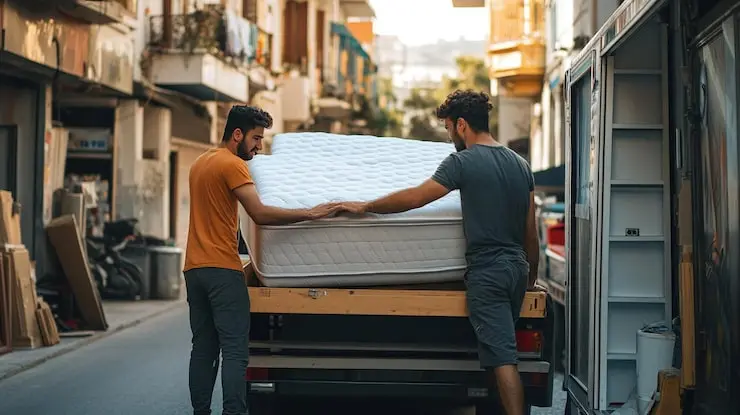
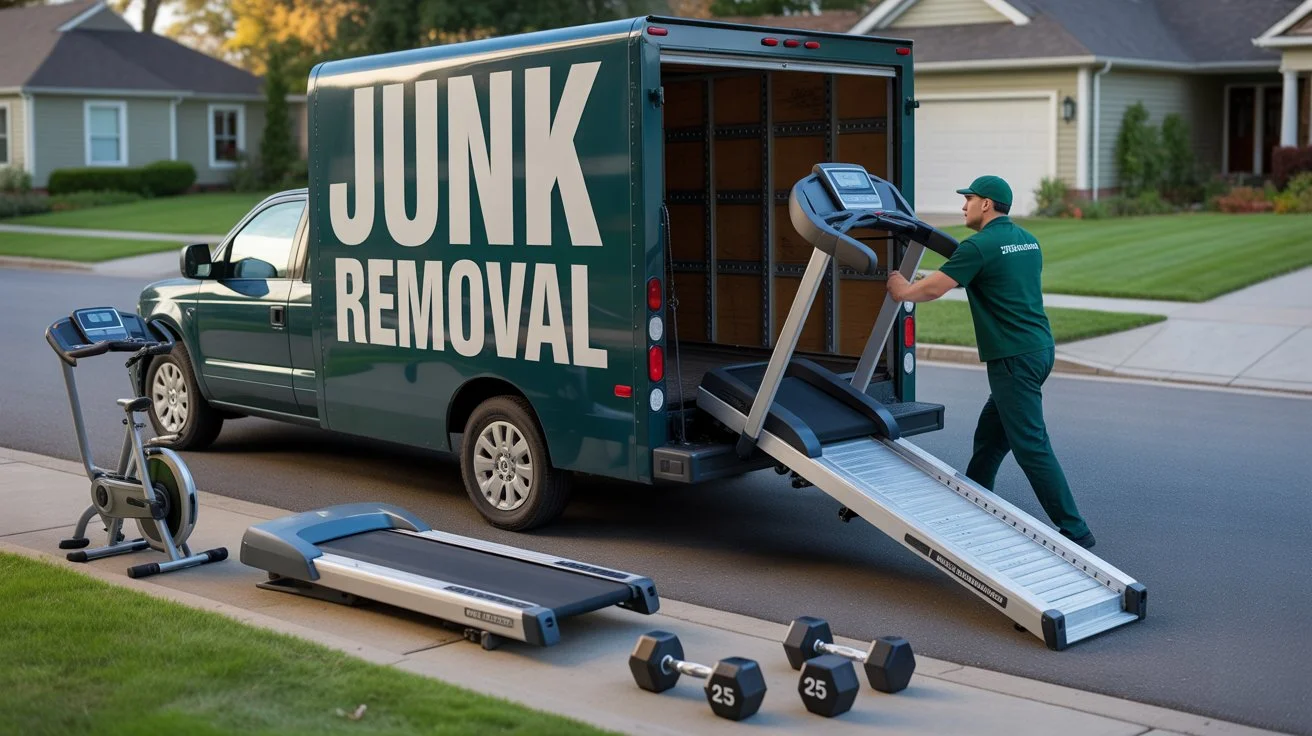
Getting rid of unwanted items from your home shouldn’t feel like solving a puzzle. Yet, many people find themselves confused when trying to figure out what they’ll actually pay for junk removal services. Whether you’re clearing out your garage after years of accumulation, finally getting rid of that old couch, or tackling a complete home cleanout, understanding the costs helps you budget properly. The pricing can vary wildly based on what you’re tossing, how much space it takes up, and where you live. Most homeowners spend between $150 and $450 for typical junk removal jobs in 2026. But that’s just the starting point. Some projects might only cost $75, while others can reach $850 or more. Let’s break down exactly what you’ll pay and why. How Much Does Junk Removal Cost? Quick Answer Junk removal pricing in 2026 ranges from $70 to $850, depending on volume and item type. Here’s what most people pay: Single item removal: $70–$150 Quarter truck load: $120–$200 Half truck load: $200–$450 Three-quarter load: $400–$600 Full truck load: $600–$850 National average: $150–$450 The cost of junk removal depends on three main factors: how much stuff you have, what type of items need removal, and your location. Companies typically charge based on how much space your junk takes up in their truck, not by the hour. 2026 Junk Removal Cost Breakdown Understanding the pricing structure helps you avoid surprises when the truck arrives. Costs by Load Size Professional junk removal companies measure loads in cubic yards. A standard pickup truck holds about 2-3 cubic yards, while a full-size junk removal truck can fit 13-17 cubic yards. Quarter Load (3–5 cubic yards): $120–$200. Ideal for a couch, dining table, or a few trash bags. Best for small cleanouts or single-room projects. Half Load (5–10 cubic yards): $200–$450. Fits an entire bedroom set, multiple appliances, or yard debris. Handles most standard home projects. Full Truck (13–17 cubic yards): $600–$850. Holds contents of a two-bedroom apartment. Suitable for major cleanouts, estate clearing, or post-renovation debris. Furniture Removal Pricing Getting rid of old furniture represents one of the most common junk removal needs. A standard couch costs $100-$200 to remove, while sectional sofas run $175-$350 depending on the number of pieces. Mattress disposal costs $80-$160 per piece. Many states require special recycling for mattresses, which adds to the expense. Dressers and chest of drawers cost $75-$150 each. Large items like armoires and entertainment centers run $100-$250. The weight and difficulty of moving these pieces influences the final price. Dining tables cost $100-$200, while dining chairs run $25-$50 each. Appliance Removal Costs Old appliances need careful disposal due to refrigerants, heavy metals, and electronic components. Refrigerator removal costs $50-$150, with chest freezers running slightly higher at $100-$200 due to their size. Washing machines and dryers cost $75-$200 each. Water heaters run $90-$200 for removal. Dishwashers typically cost $75-$150. Hot tubs represent a major removal challenge, costing $200-$600 depending on size and access. The crew needs to drain, dismantle, and haul away heavy fiberglass or acrylic components. Debris and Construction Waste Construction debris removal costs $100-$800 per truckload. The price varies based on material type and weight. Light materials like drywall and insulation cost less than heavy concrete or tile. Yard waste removal runs $150-$190 per ton. This includes branches, leaves, soil, and general landscaping debris. Many areas offer seasonal pickup for yard waste, which can save you money. Carpet and rug removal costs $70-$280 per room. The price depends on carpet thickness, padding, and whether tack strips need removal. Electronics Disposal Electronics contain hazardous materials that require special handling. TV removal costs $75-$150 for larger models. Desktop computers run $50-$100, while laptops cost $30-$75. Printers cost around $50-$100 to dispose of properly. Many junk removal services include small electronics like phones and tablets in their standard pickup fee. How Location Affects Junk Removal Costs Where you live significantly impacts your final bill. Urban areas typically charge 10-20% more than rural locations due to higher operating costs and disposal fees. Regional Price Variations West Coast cities like Los Angeles and Seattle show the highest average costs at $450-$1,000 for full loads. New York City and other Northeast metros run similarly high, with full trucks costing $500-$1,000. Midwest cities like Chicago and St. Cloud offer more moderate pricing, with full loads running $300-$700. Southern cities like Houston and Atlanta fall somewhere in the middle at $350-$650. Disposal Fee Differences Landfill tipping fees vary dramatically by region. Some areas charge $40 per ton, while others charge $120 or more. These fees directly impact what junk removal companies charge you. States with strict environmental regulations often have higher disposal costs. California, Massachusetts, and Washington tend to charge more due to stricter recycling requirements and limited landfill space. Access and Location Challenges Your property’s accessibility affects labor costs. First-floor pickups with easy truck access cost less than jobs requiring stair climbing or navigating tight hallways. Apartments above the third floor might incur a $50-$100 surcharge per floor. Narrow staircases, tight corners, and elevator usage all add time and difficulty to the job. Rural properties far from disposal facilities might face distance fees. Some companies charge extra for travel beyond their standard service area. Hidden Junk Removal Costs to Watch For Many homeowners get surprised by additional charges that weren’t mentioned in the initial quote. Knowing these potential fees helps you budget accurately. Stair Fees Moving heavy items down stairs takes extra time and increases injury risk. Companies typically charge $25-$100 for stair fees, depending on the number of floors and item weight. A single couch down one flight might add $25-$50, while moving a piano down three flights could add $100 or more. Heavy Item Surcharges Items over 100 pounds often carry extra fees. Pianos cost $200-$500 to remove, with grand pianos at the higher end. Safes run $150-$400 depending on size and weight. Pool tables require disassembly and careful handling, costing $200-$400 for removal. Exercise equipment like treadmills and weight benches might add $50-$150 to

Color Palette