
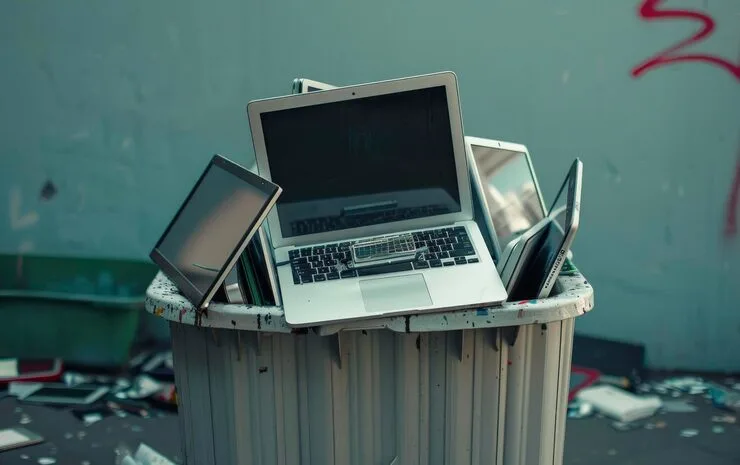
Old laptops often end up forgotten in closets, desk drawers, or storage boxes. Whether your device is broken, outdated, or simply no longer needed, knowing how to dispose of old laptop properly is important for protecting your personal data and the environment.
Many people ask questions like can I throw a laptop in the trash, how to get rid of old laptop computers, or how to properly dispose of old laptops. The answer is simple: laptops should never be tossed in regular garbage. They contain hazardous materials, recyclable metals, and sensitive personal information that require special handling.
This guide explains the safest and most effective ways to dispose of your old laptop responsibly.
Why Proper Laptop Disposal Matters
Laptops contain valuable components such as aluminum, copper, and lithium batteries, but they also contain harmful substances like lead, mercury, and cadmium. If improperly discarded, these materials can leak into soil and water, causing environmental damage.
Improper disposal can also expose your private data. Even deleted files can often be recovered if your hard drive is not properly wiped.
Proper disposal helps you:
- Protect sensitive personal or business information
- Prevent harmful electronic waste from entering landfills
- Allow reusable parts and materials to be recycled
- Support sustainable electronics disposal practices
Learning how to dispose of laptop correctly benefits both your security and the environment.
Preparation Checklist: Before You Let Go
Don’t just hand your device to a recycler and hope for the best. Follow this checklist to keep your life private.
1. Back Up Your Files
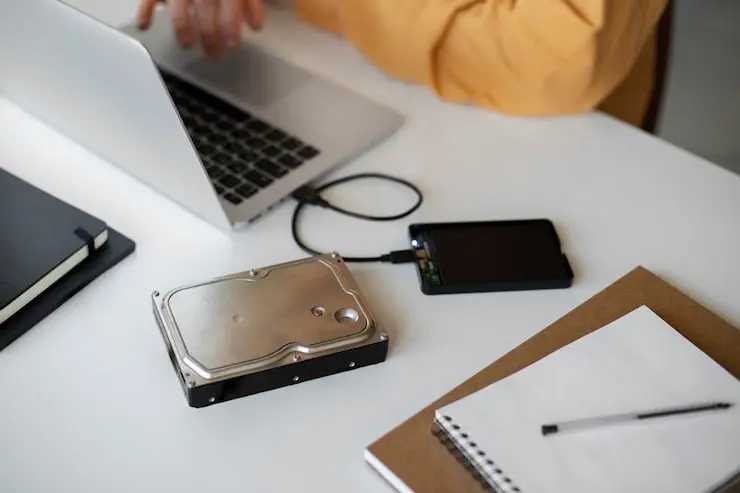
Whether you use an external drive or a cloud service like Google Drive or OneDrive, make sure you have everything. Check your “Downloads” folder it’s usually where the most important (and forgotten) PDFs live.
2. Deauthorize Your Accounts
This is a step many people miss when figuring out what to do with old laptop computers. Some software licenses (like Adobe or older iTunes versions) only allow a certain number of devices.
- Sign out of iCloud/Find My Mac.
- Deauthorize your Microsoft 365 account.
- Unpair any Bluetooth devices.
3. The Big Wipe
For Windows 10 or 11, use the “Reset this PC” feature and select “Remove everything” and “Clean the drive.” For Macs, the process involves using Disk Utility to erase the startup disk or using the “Erase All Content and Settings” option on newer models.
4. How to Destroy the Laptop (Hard Drive Edition)
If the laptop doesn’t turn on, you can’t run a software wipe. In this case, you need to destroy the laptop‘s storage physically.
- Open the back panel.
- Find the hard drive or SSD.
- If it’s a spinning hard drive, a few well-placed holes with a power drill will do the trick.
- If it’s an SSD, you need to snap the memory chips inside.
Top US Disposal Methods
You have several great options depending on whether your laptop still has life in it or if it’s truly “e-waste.”
1. Manufacturer Take-Back Programs
Most big brands want their materials back. Companies like Dell, HP, and Apple have robust programs.
- Apple Trade-In: If it’s worth something, they give you a gift card. If not, they recycle it for free.
- Dell Reconnect: Partnered with Goodwill, this program accepts any brand of computer in any condition.
2. Big Box Retailers
If you want to know where to dispose of old computers without a long drive, check your local shopping center.
- Best Buy: They are one of the largest retail recyclers in the US. You can usually walk in and drop off up to three items per day.
- Staples: They offer a similar program and often give you store credit or “Easy Rewards” points for recycling tech.
3. Certified E-Waste Recyclers
Look for recyclers with R2 (Responsible Recycling) or e-Stewards certifications. These titles mean the company follows strict rules about not shipping your junk to developing nations where it’s burned for scrap. You can use the e-Stewards Find a Recycler tool to find a pro near you.
4. Donation and Reuse
If your laptop still mostly works, donating it gives someone else a second life. Charities and nonprofits often refurbish donated laptops and provide them to schools, families, or community programs.
Groups like Goodwill or Computers with Causes accept functional laptops. Just make sure you’ve already removed your personal data before donating.
5. Trade‑In and Sell
You might be able to get some value back instead of just tossing your old device. Some retailers and online services let you trade in laptops for store credit or cash. This can be an effective way to get rid of laptop while recouping a bit of cost.
Can I Throw a Laptop in the Trash?
In most places, simply tossing an old laptop in the trash is not recommended and sometimes not even legal.
Landfills and incineration let toxic components like lithium and heavy metals leak out, causing environmental harm that lasts for generations. That’s why certified recycling or drop‑off programs exist; they keep toxic components away from landfills and recover useful materials safely.
If you wonder, “can I throw a laptop in the trash?”, the simple answer is: it’s better not to. Most regions in the U.S. have e‑waste rules discouraging or forbidding regular trash disposal of electronics.
State‑By‑State Guide (U.S.)
E‑waste rules differ across states, but many have strong programs to help. Here’s a quick snapshot:
California
Laptops are typically banned from regular trash and must be taken to e‑waste facilities or retailers with take‑back programs. Regulations also require safe handling of hazardous waste components.
New York & Illinois
These states have e‑waste recycling laws that support consumer drop‑off and discourage landfill disposal.
Other States
Many U.S. states fund electronics recycling through manufacturer programs. Residents can find nearby drop‑offs or community e‑waste events via state environmental websites or tools like Earth911.
For specific state rules and locations, it’s a good idea to search resources like Greener Gadgets, Earth911, or Call2Recycle by zip code.
Extra Tips for Laptop Disposal
Protect Your Data
Before you destroy the laptop or recycle it, do one of the following:
- Use secure erase utilities (e.g., DBAN) to overwrite storage.
- Remove the internal storage and physically destroy it with a drill or hammer (wear safety gear).
- Use a certified recycler that offers professional data wiping services.
Separate Batteries
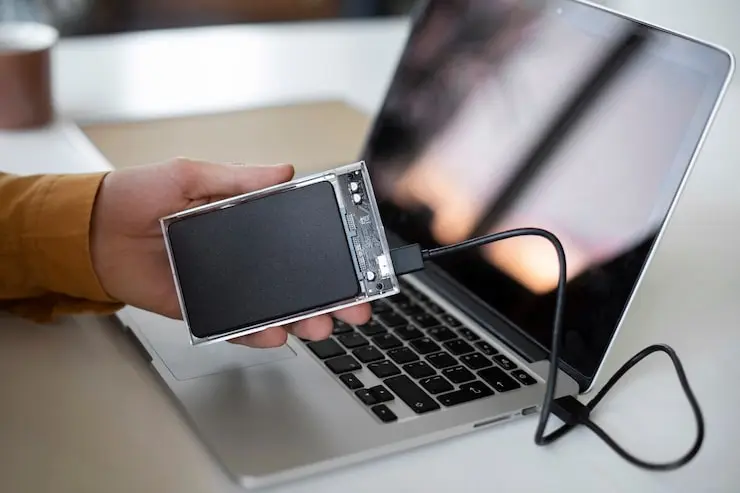
Lithium batteries are a fire risk in regular disposal. Take them out and recycle them separately with electronics recycling programs.
Keep Accessories Together
Chargers, USB drives, and peripherals often get left behind. Bring all related items to the recycling event or drop‑off point.
Final Thoughts
Learning how to dispose of old laptop computers isn’t just about cleaning your desk. It’s about being a responsible human in a digital age. Whether you donate it to a school through a group like Digitunity, trade it in for a few bucks at Best Buy, or drill holes in the hard drive because you’re a bit paranoid, you’re doing the right thing. Tech moves fast. Today’s powerhouse is tomorrow’s paperweight. By following these steps, you make sure that the only thing leaving your house is the hardware, not your personal data.
If you’re looking for a hassle-free way to clear out your tech clutter, Junk Masterz offers a seamless solution. Our team manages the heavy lifting and technical logistics of e-waste disposal, ensuring your old devices are either refurbished for a second life or recycled using environmentally responsible methods.
Stop letting old electronics take up valuable real estate in your home. Partner with a leader in sustainable junk removal and let us handle the recycling for you. Visit the Junk Masterz now to book your pickup and reclaim your space in Fresno!
FAQs
How do I dispose of a laptop with a swollen battery?
This is a “stop what you’re doing” situation. A swollen battery is a fire waiting to happen. Do not put it in the mail and do not put it in the trash. Take it immediately to a dedicated battery recycler or a Best Buy. Place it in a non-flammable container like a metal bucket or a glass jar filled with sand until you can get it there.
Is there a way to get money for my old laptop?
Yes. Sites like Gazelle, Back Market, and eBay are great for selling. Even if the laptop is broken, people buy them for parts. If you don’t want the hassle of selling, the Amazon Trade-In program is a fast way to get a gift card.
What if I can’t remove the hard drive?
Some modern laptops (like newer MacBooks) have the storage soldered to the motherboard. In this case, a software wipe is your only option. If the computer is dead and you can’t wipe it, your best bet is a certified recycler like Schupan or eWaste1 that guarantees data destruction via industrial shredding.
Where to dispose of old computers if I live in a rural area?
If you don’t have a Best Buy or Staples nearby, check with your local municipal waste department. Many counties host “Hazardous Waste Drop-off” days once or twice a year specifically for electronics and paint.
Does a factory reset really delete everything?
For most people, yes. On modern Windows and Mac systems, a factory reset encrypts the data and then throws away the key. It makes the data unrecoverable for 99% of the population. If you are a high-level government official or a secret agent, you might want to use a hammer just to be sure.